
Game Pigeon: The Ultimate iMessage Game App Guide
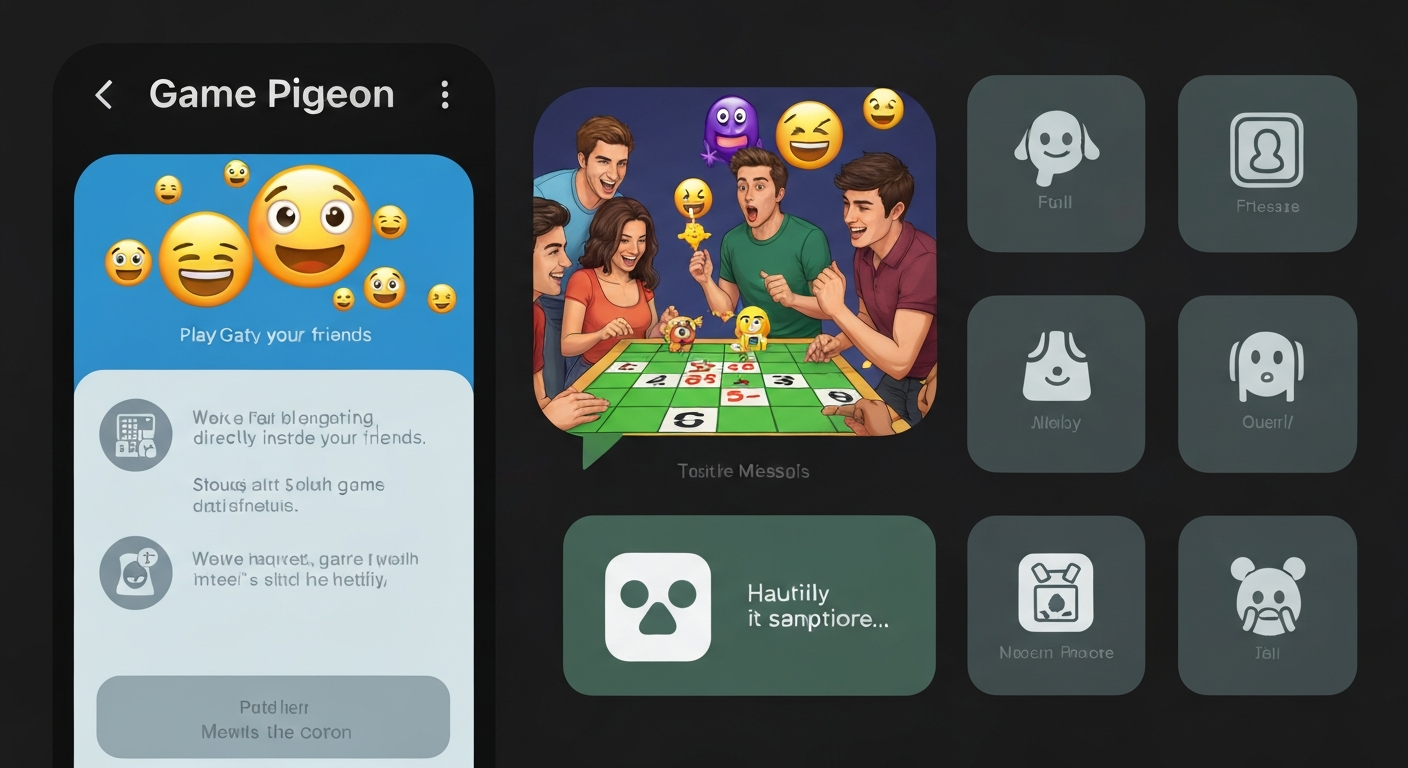
Game Pigeon is a fun iMessage app that lets you play games with friends directly inside your chat. You don’t need a separate game app or extra downloads. It comes with a set of simple and entertaining games like 8-ball, mini golf, basketball, and more. This app became popular because it makes chatting more fun. Instead of sending stickers or emojis, you can send game challenges. If you like friendly competition, Game Pigeon is perfect. It works on iPhone and iPad, and all you need is the Messages app. You can invite friends, play turn-based games, and even keep score. It’s a great way to stay connected and have fun without leaving your messages.
Game Pigeon: What Is It and How Does It Work
Game Pigeon is an iMessage app that lets you play mini-games inside the Messages app. You can challenge your friends in a chat and play in turns. It’s like sending a text message, but instead, you send a game move. Each game is simple and easy to understand. For example, in 8-ball, you take turns hitting the balls, and in mini golf, you tap to swing. The app keeps track of your turns and scores automatically. It’s perfect for quick games when you are waiting or bored. You don’t need to download anything extra once it is installed. You can play directly inside iMessage without leaving the conversation.
How to Download and Install Game Pigeon
To use Game Pigeon, open the Messages app on your iPhone or iPad. Tap the App Store icon inside Messages. Search for “Game Pigeon” and tap Get to install. After installing, it will appear in your iMessage app drawer. You can also pin it for quick access. When you open a chat, tap the Game Pigeon icon and choose a game. Then send it to your friend. They will receive the game as a message and can play right away. It is easy and fast. Many people love it because there is no need to download large games or create accounts. Everything happens inside iMessage.
Best Games Inside Game Pigeon
Game Pigeon has many fun mini-games. Some popular ones include 8-Ball, Mini Golf, Basketball, Cup Pong, and Sea Battle. Each game is simple, so even kids can play. For example, in 8-Ball, you aim and shoot the ball into the pocket. In Mini Golf, you tap to swing and control the power. Basketball is all about timing your shot. These games are perfect for quick fun during chats. The best part is you can play with friends without leaving iMessage. It’s great for group chats too. Everyone can join and take turns.
How to Play Game Pigeon with Friends
Playing Game Pigeon with friends is easy. First, open a chat in Messages. Tap the Game Pigeon icon. Choose a game and send it. Your friend receives the game and plays their turn. Then it comes back to you. The game continues until someone wins. You can play alone too, but it is more fun with friends. If you have a group chat, you can play together and take turns. The game saves your progress and shows who is winning. It is a great way to stay connected and have fun without video calls or long chats.
Game Pigeon Tips for Winning More
To win more in Game Pigeon, you need practice and patience. In games like 8-Ball, aim carefully and use angles. In Mini Golf, watch the power meter and choose the right strength. For Basketball, time your shot when the hoop is close. Another tip is to play slowly and think before you move. Sometimes quick actions can cause mistakes. Also, play with friends who challenge you. This helps you improve faster. Game Pigeon is all about fun and friendly competition, so enjoy it even if you lose. The more you play, the better you become.
Game Pigeon on iPhone vs iPad
Game Pigeon works well on both iPhone and iPad. On iPhone, the screen is smaller, but it still works great. On iPad, the games feel bigger and easier to control. Some games look better on iPad because of the larger screen. The gameplay is the same on both devices. You just need iMessage to play. The app is designed to be simple and smooth. If you use Game Pigeon often, using an iPad might be more comfortable. But iPhone is also perfect for quick games while chatting.
Troubleshooting: Game Pigeon Not Showing in iMessage
If Game Pigeon is not showing in iMessage, don’t worry. First, check if it is installed from the App Store. Next, open Messages and tap the App Store icon. Swipe to find Game Pigeon. If you still can’t find it, restart your phone. Another fix is to update iOS and the app. Sometimes, old versions cause issues. Also, make sure you have enough storage. If the problem continues, delete and reinstall Game Pigeon. These steps usually fix the issue quickly. If you still face problems, contact Apple Support for help.
How to Update Game Pigeon
To update Game Pigeon, open the App Store on your iPhone or iPad. Tap your profile icon. Scroll to find Game Pigeon in the list. Tap Update if available. If you don’t see it, the app is already up to date. Updating helps fix bugs and add new features. It also improves performance and makes games run smoothly. Many people forget to update apps, which can cause glitches. So it’s always a good idea to check for updates regularly.
Is Game Pigeon Safe for Kids
Game Pigeon is safe for kids because it has simple games and no online chat. The games are played inside iMessage, so kids need permission to message friends. However, parents should still monitor screen time. Some games may be competitive, so kids might get frustrated. It’s a good idea to play with your child or set rules. Overall, Game Pigeon is family-friendly and fun. It does not contain violence or adult content. It’s a great way for kids to play with friends and practice focus and strategy.
Game Pigeon vs Other iMessage Games
Game Pigeon is one of the most popular iMessage game apps. Compared to others, it has more games and better quality. It is also easy to use and works smoothly. Some iMessage games only have one or two games. Game Pigeon offers a variety of games, so you won’t get bored. It is perfect for quick fun while chatting. Many people prefer it because it is reliable and always works. If you like playing games with friends, Game Pigeon is a top choice.
Game Pigeon: My Personal Experience
I started using Game Pigeon with friends during long chats. It made the conversation more exciting. We played 8-Ball and Mini Golf, and we kept challenging each other. The best part was how simple it was. No downloads, no accounts, just fun. It helped us stay connected even when we were busy. I noticed that playing small games made our chat feel more lively. It also became a friendly competition, which was fun. If you want a simple way to add excitement to your chats, Game Pigeon is a great option.
FAQs
1. What is Game Pigeon?
Game Pigeon is an iMessage app that lets you play mini-games with friends inside Messages. It is simple, fun, and free.
2. Can you play Game Pigeon without Wi-Fi?
You can play using cellular data, but you need an internet connection to send and receive game turns.
3. How many games are in Game Pigeon?
Game Pigeon includes many mini-games like 8-Ball, Mini Golf, Basketball, and more.
4. Why is Game Pigeon not showing in my iMessage?
It may not be installed or needs an update. Restarting your phone or reinstalling usually fixes it.
5. Is Game Pigeon safe for kids?
Yes, it is family-friendly. It has no violence or adult content and is safe to use with parental guidance.
6. Can you play Game Pigeon with group chats?
Yes, you can play in group chats and take turns with multiple friends.
Conclusion
Game Pigeon is a simple and fun way to add excitement to your iMessage chats. It brings games right into your messages, making conversations more lively. You can challenge friends, play in groups, and enjoy friendly competition. It’s easy to install and works smoothly on iPhone and iPad. If you want a quick way to have fun while texting, Game Pigeon is perfect. Try it today and send your first game challenge. Your friends will love it!
